Best Overheating Laptop Fix Services & Solutions for You!
Las Vegas's most trusted laptop repair shop. We fix overheating notebooks, PC overheating, and laptops running hot for Dell, HP, Lenovo, MacBook, ASUS, and more at your nearest overheating laptop fix shop at low prices with reliable service.
Expert Overheating Laptop Fix Solutions for Las Vegas Users
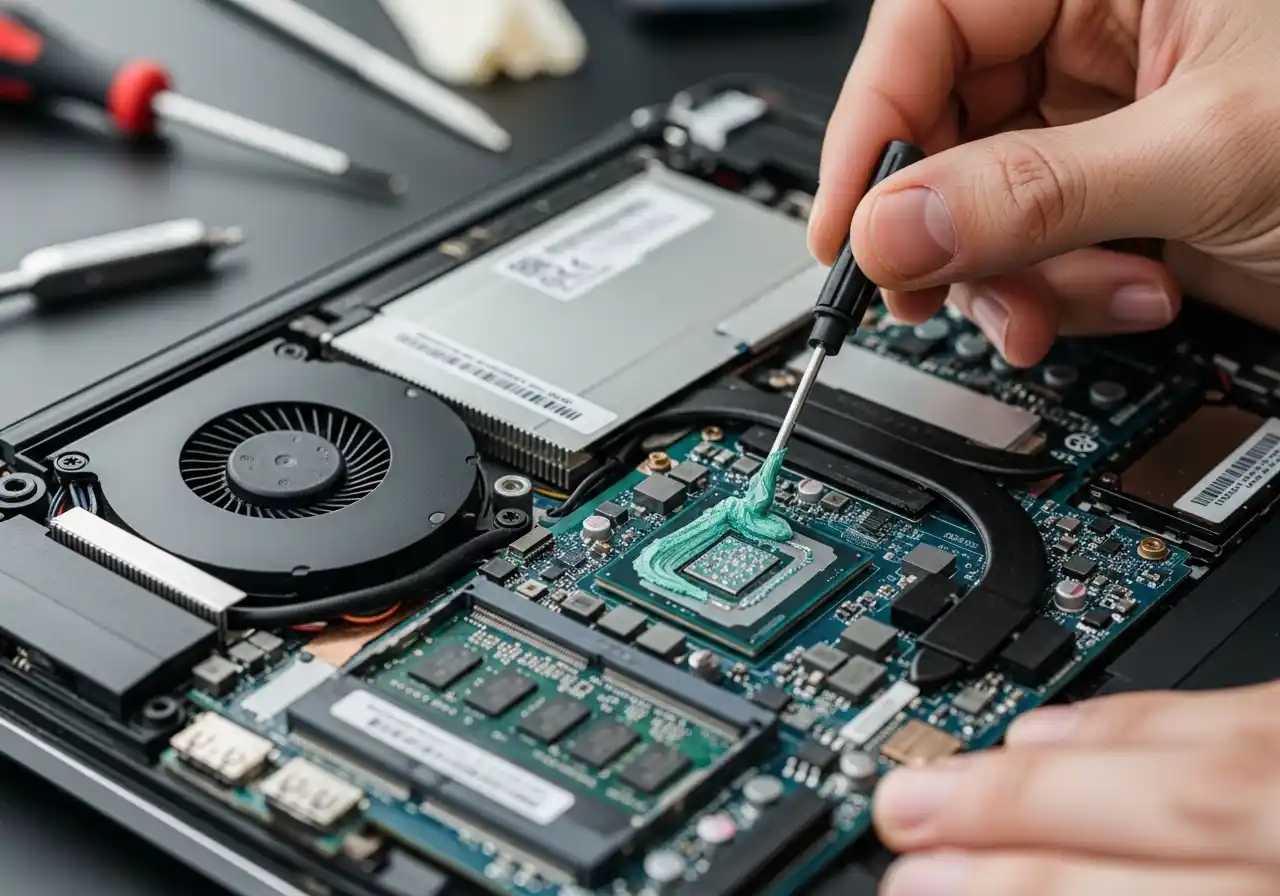
CPU and GPU chips transfer heat through a thin layer of thermal compound. On laptops over 2–3 years old, this paste dries and cracks. We open your laptop, clean the heatsink, replace the thermal compound, check the fan, and stress-test everything before it comes back to you.
We reapply premium thermal compound. Thermal Grizzly Kryonaut for standard chips, liquid metal compound for high-performance gaming chips. Overheating notebooks, computers running hot, laptops running hot, every brand, every fault, fixed the same day.
How We Fix the Laptop Overheating Issues You’re Complaining About?
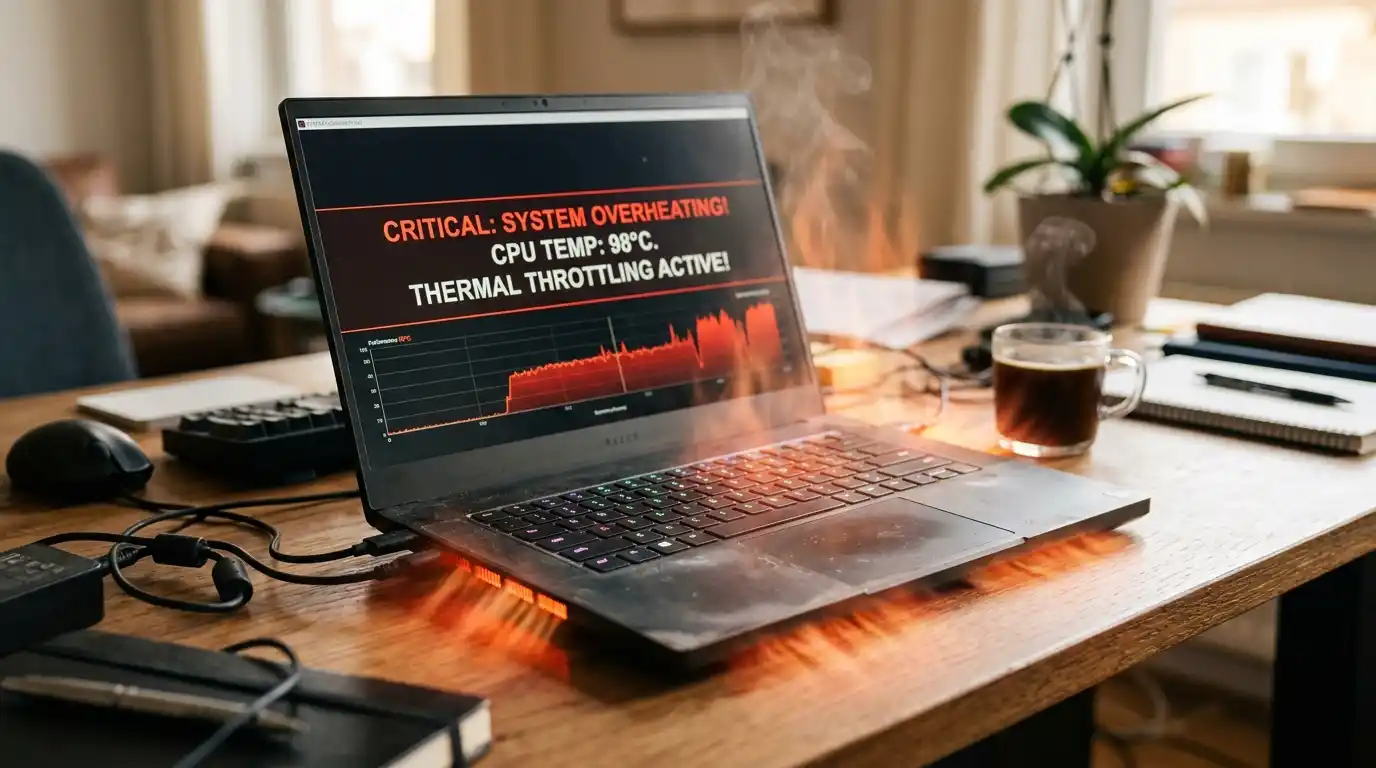
Whether it's a gaming laptop overheating under GPU load, a Dell laptop overheating while on a video call, or a CPU overheating laptop throttling down during basic tasks, our technicians know the exact cause and the exact fix.
Every job starts with a free thermal diagnostic. We monitor CPU and GPU temps under load, measure fan RPM, check heatsink contact, and inspect the thermal compound condition. You know exactly what's wrong before we touch anything.
Discover the Full Range of Overheating Solutions We Provide
When a device overheats regularly, it damages internal components, shortens battery life, slows down performance, and in serious cases can cause permanent hardware failure. At our repair shop, we provide comprehensive overheating solutions for a wide range of devices, including laptops, gaming systems, tablets, and smartphones.

Dust Clogged Heatsink & Fan
Dust builds up between the heatsink fins and blocks airflow completely. The fan spins loud and hard but moves almost no air. We disassemble, blow out the fins with compressed air, clean the contact surfaces, and apply fresh Thermal Grizzly Kryonaut.
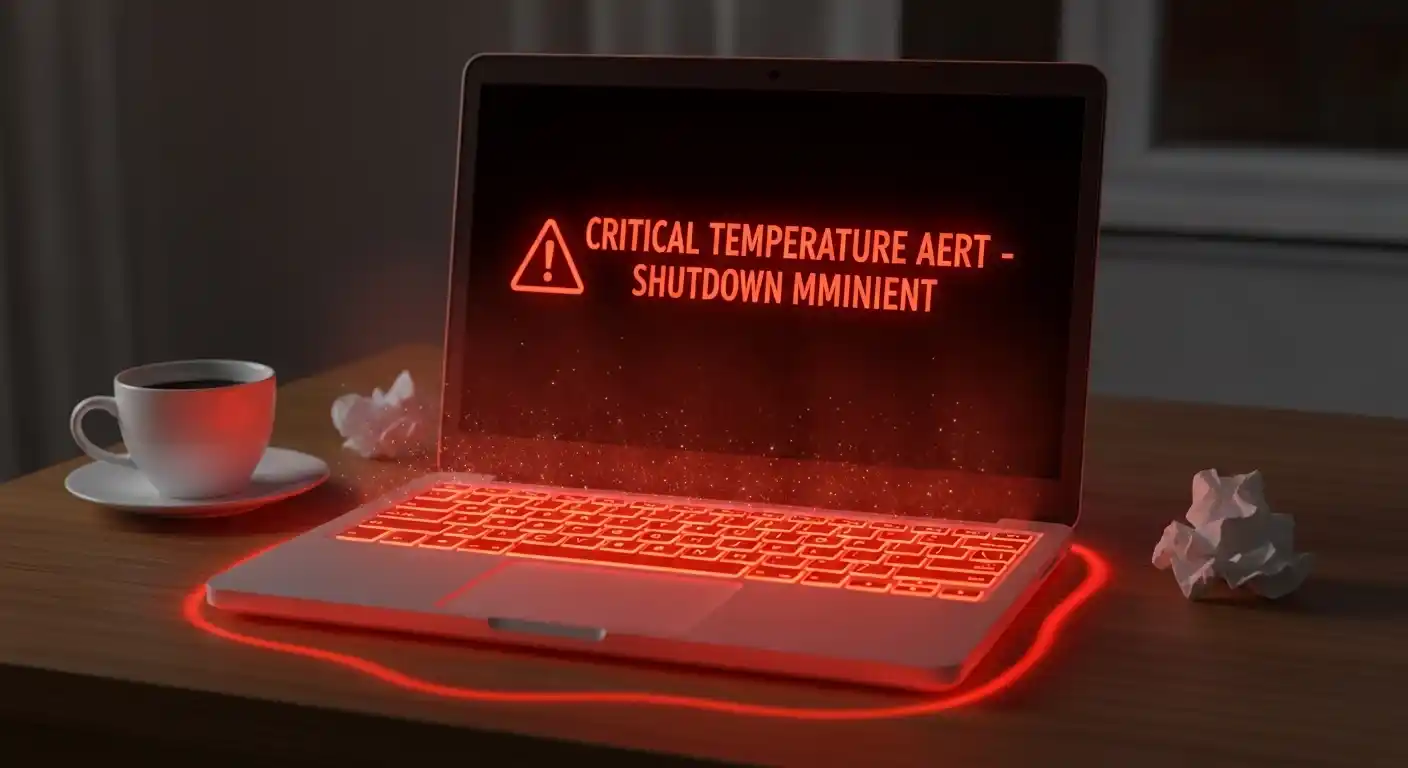
GPU Overheating Laptop
GPU overheating on a laptop usually shows up as screen artifacts, sudden black screens during 3D loads, or driver crashes. We replace thermal pads with the correct thickness — 0.5mm to 2.0mm depending on the model — and re-paste the GPU die directly.
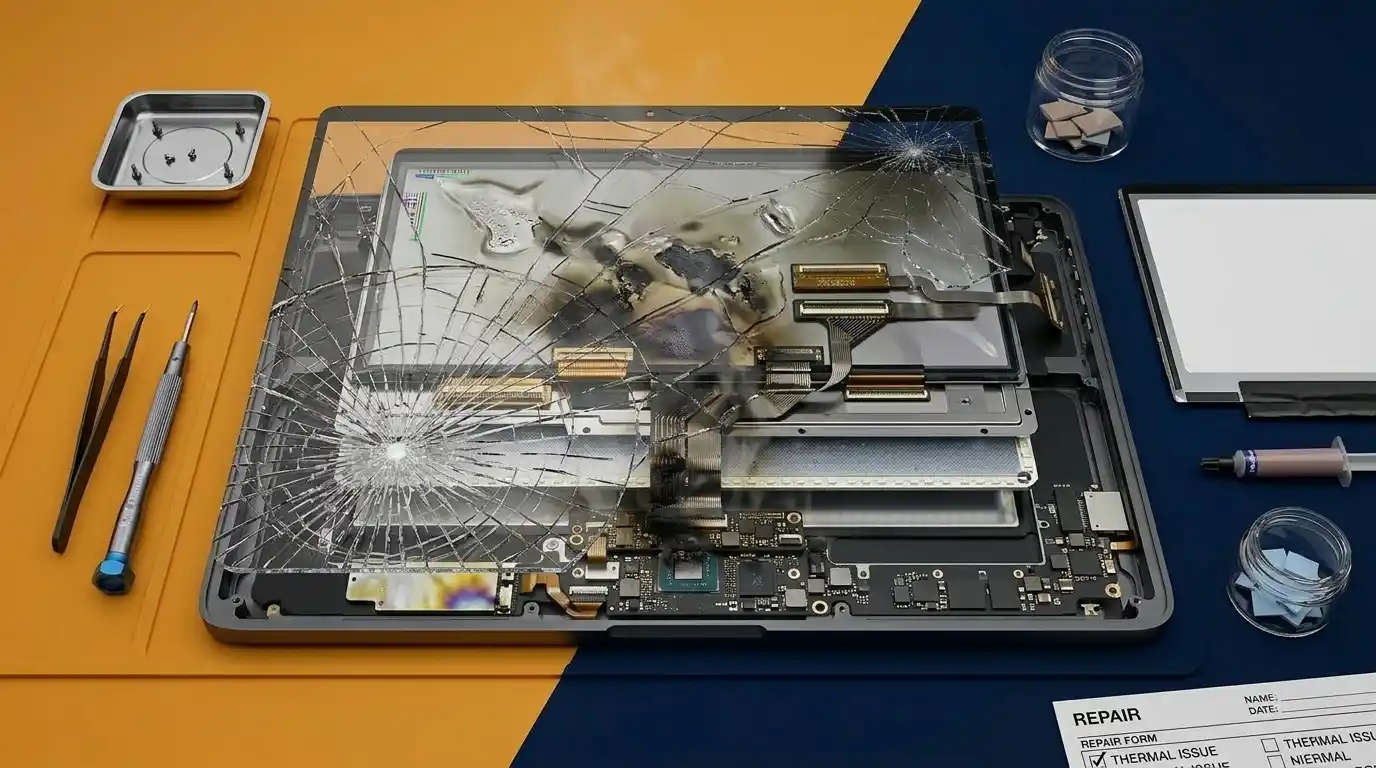
CPU Overheating Fix
A CPU overheating laptop is usually a paste-and-fan problem, but on Intel 13th and 14th-gen chips, there's an additional factor. We re-paste, clean the fan, and apply a BIOS-level power limit adjustment to bring sustained temps into a safe range for performance.
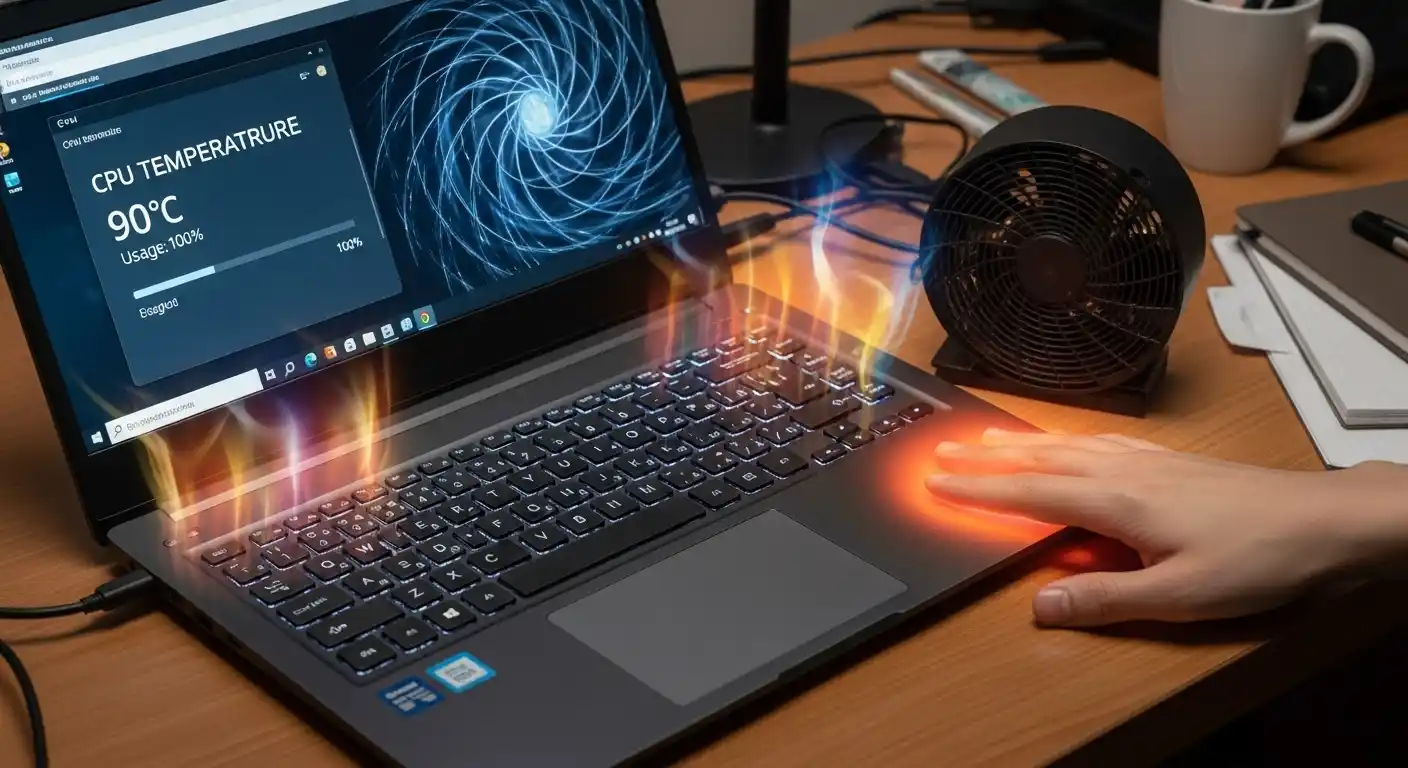
We Offer Premium Gaming Laptop Overheating Fix Solutions
Gamers know how frustrating it is when a laptop heats up in the middle of a session, shuts down unexpectedly, or runs so hot it becomes uncomfortable to use. We specialize in premium overheating fix solutions specifically designed for gaming laptops, covering all major brands including ASUS ROG, MSI, Razer, Alienware, Lenovo Legion, and more.
Our gaming laptop overheating service goes beyond a basic clean. We perform a full cooling system overhaul that includes deep fan cleaning, high-performance thermal paste replacement, heat pipe inspection, and vent clearing to restore maximum airflow.
Our 4-Step Process for a Fast Laptop Overheating Fix
We use professional-grade tools and high-quality replacement parts to restore your device's cooling system to its optimal condition. Customers across Las Vegas and Henderson rely on us because we deliver lasting results, not quick, temporary fixes.
Free Thermal Diagnostic
We run your laptop under load while monitoring CPU temps, GPU temps, fan RPM, and heatsink contact quality. You know the exact cause before we ask you to spend anything.
Clear, Fixed-Price Quote
Whether it's a paste replacement, a fan swap, or a full heatsink cleaning, you get a price upfront. No surprises at pickup.
Repair with Professional Equipment
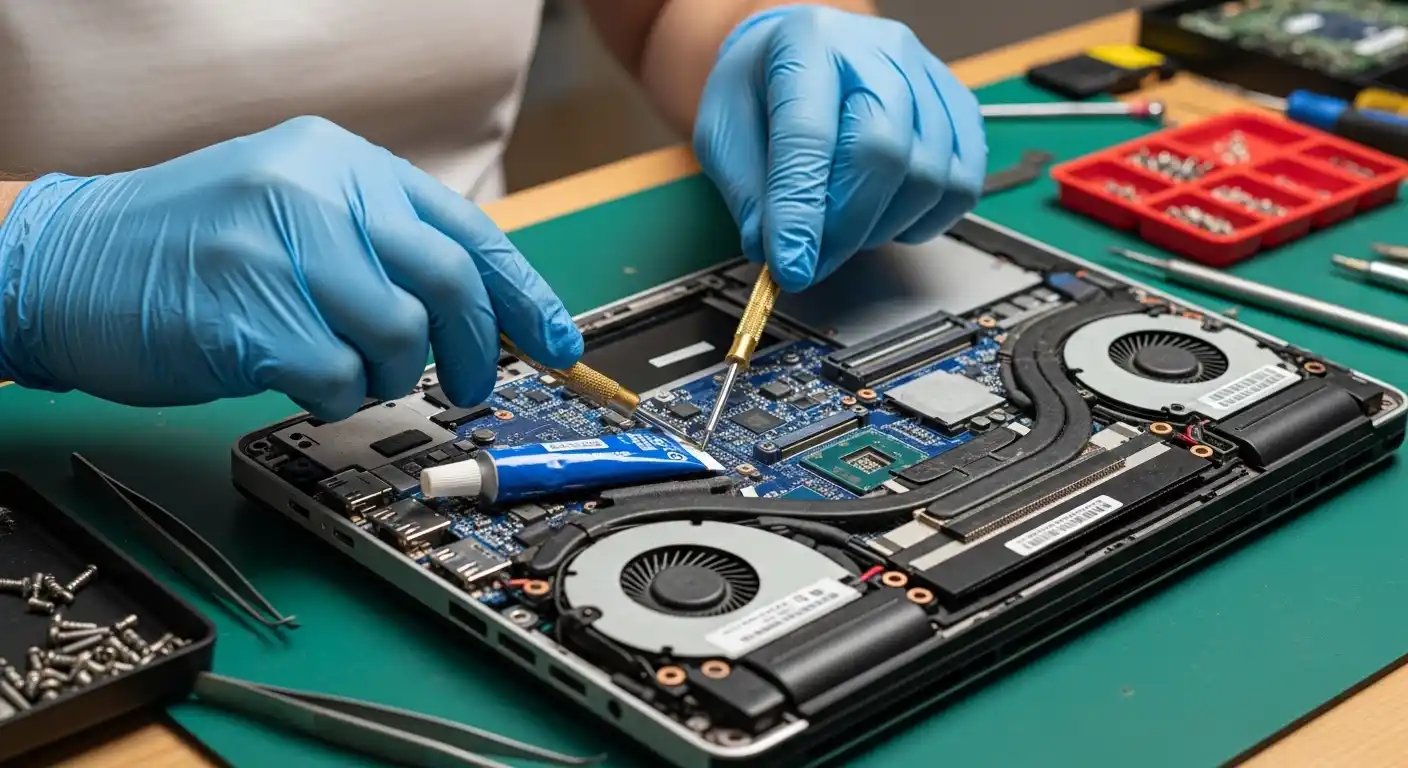
We use ESD-safe workbenches, precision screwdrivers, thermal imaging tools, and quality compound. This isn't a quick, clean overheating laptop fix with a can of compressed air.
Full Load Test Before Return
Every repaired laptop runs a 30-minute stress test of CPU and GPU under full load with temperature logging. If it doesn't hold safe temps throughout, it doesn't go back to you.
Signs Your Laptop Needs an Overheating Fix Right Now
- Fan runs loud constantly, even on simple tasks
- Laptop shuts down without warning during heavy use
- Performance drops suddenly mid-game or mid-render (thermal throttling)
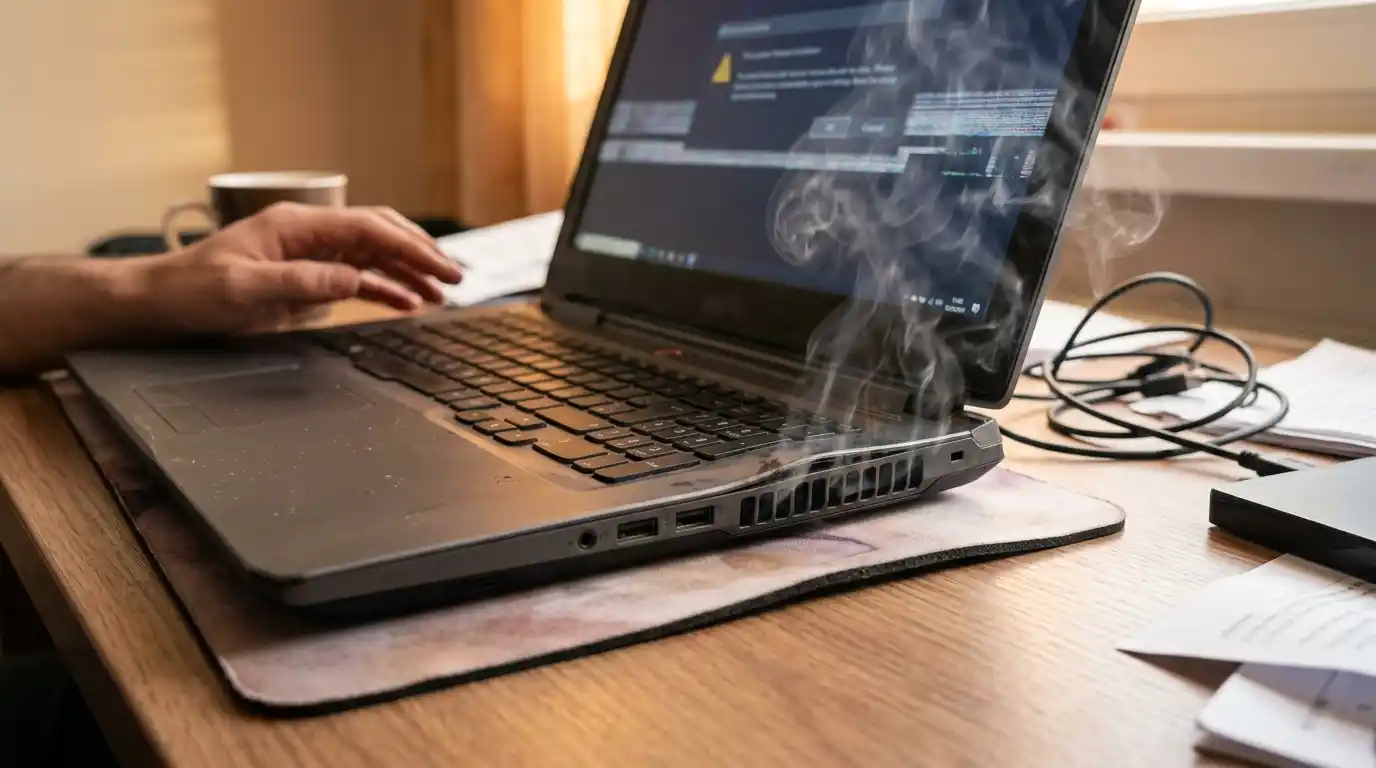
- Bottom of the laptop is too hot to rest on your lap
- Error messages about high temperature or system temperature warnings
- Screen artifacts or crashes during GPU-heavy tasks
People Also Ask: How to Fix Laptop Overheating
A basic heatsink cleaning and thermal paste replacement is typically $60 to $90. A fan replacement added on top runs $90 to $130. Gaming laptops with liquid metal compound replacement or GPU thermal pad work run $120 to $150. You get a free diagnostic and a fixed quote before anything starts.
The most common reasons a computer running hot shuts itself off are dried thermal paste between the CPU/GPU and heatsink, a heatsink clogged with dust and lint blocking all airflow, a fan that's failing or has stopped spinning, or a high-performance chip being pushed past its design limits without adequate cooling.
Almost always fixable. Unless the CPU or GPU itself has been permanently damaged from sustained extreme heat, which is rare. An overheating notebook can be brought back to normal operating temperatures with a proper heatsink clean and thermal compound replacement.
How to keep your laptop cool starts with airflow. Never use it on a bed, pillow, or couch that blocks the bottom vents. Use a hard flat surface or a laptop stand with rear elevation. Beyond that, cleaning the vents with compressed air every 6 months helps significantly. But if your laptop is already running hot even on a hard surface, the internal thermal paste is likely the issue that needs a proper overheating laptop fix, not just a stand.
Most jobs are done the same day or within 24 hours. A standard heatsink cleaning and re-paste takes about 1 to 2 hours in the shop. Fan replacements add another 30 to 60 minutes depending on the model.
Our laptop Repair Other Services
A small river named Duden flows by their place and supplies it with the necessary regelialia. It is a paradise
Lovely Customers
A small river named Duden flows by their place and supplies it with the necessary regelialia. It is a paradise
Behind the word mountains from the countries Vokalia and Consonantia, there live the blind. texts. Separated they.
Expert Overheating Laptop Fix with Free Diagnostics in Henderson
A laptop running hot doesn't mean it's done. It means something small has gone wrong inside, and it needs to be corrected before it causes permanent damage. At QuickLaptopRepairs, we find exactly what's failing, fix only what needs fixing, and hand it back tested and running cool. Do not ignore the PC overheating warning signs. Bring it to us today, and we will solve the problem before it costs you more.