
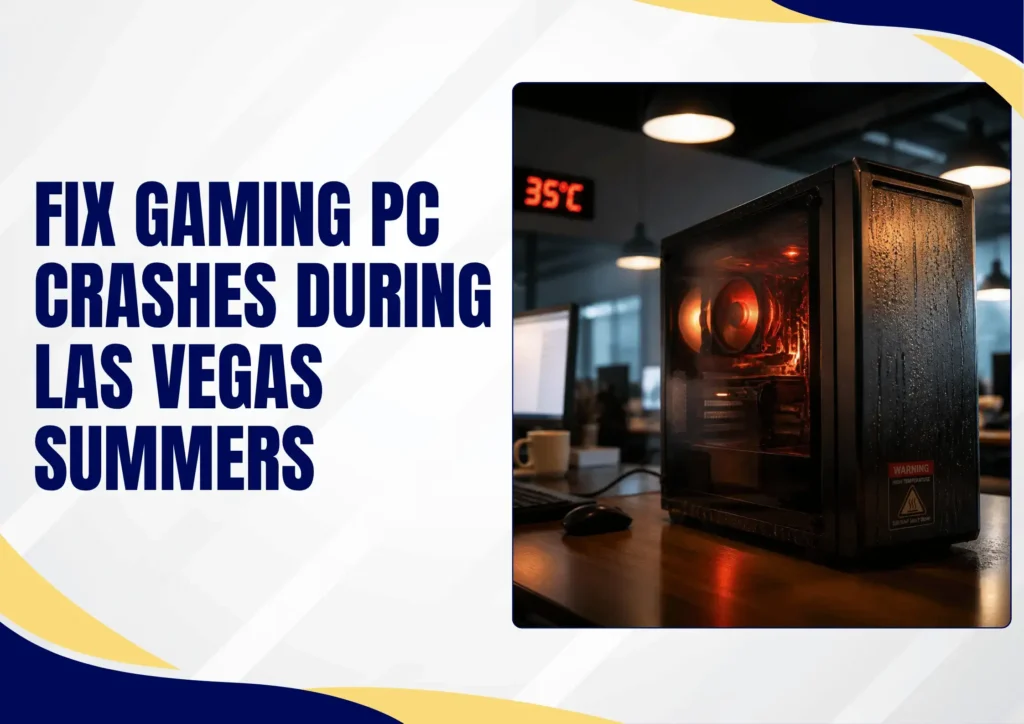
It’s July in Las Vegas. It’s 110 degrees outside, and right in the middle of a session, your PC suddenly shuts off, freezes, or the fans spin up so loud you can barely hear the game. The gaming setup was fine all winter. Now it’s failing you every time the heat outside rises.
Gaming PC crashing and PC running hot are the top complaints local Las Vegas repair shops see every summer. This guide covers the top reasons why your PC runs hot every summer, quick fixes you can try today, and the warning signs that mean it’s time for a hardware level repair before something fails permanently.
How Las Vegas Heat Causes Your Gaming PC to Crash?
Every CPU and GPU generates substantial heat under gaming load. Both chips have built-in temperature limits, and when they approach those limits, the system triggers thermal throttling, intentionally slowing the processor down to produce less heat.
If this frame drop doesn’t bring temps into a safe range, the system executes a PC thermal shutdown. It is a sudden, complete power off designed to protect the hardware from permanent damage. That abrupt mid game shutdown isn’t a malfunction. It’s the PC saving itself.
How Does the PC Cooling System Keep Your Setup Running?
A PC’s cooling system works by pulling ambient room air across heatsinks and exhausting the warmed air out the back. When the room is already hot, there is no cool air to pull in.
A gaming setup that runs at safe temperatures in a 70°F room can hit thermal shutdown territory in an 85°F room doing the same workload. Vegas summers push home interiors into that danger zone, especially in rooms with poor AC coverage, west facing sun exposure, or no circulation.
Why a Gaming PC Overheats in Summer?
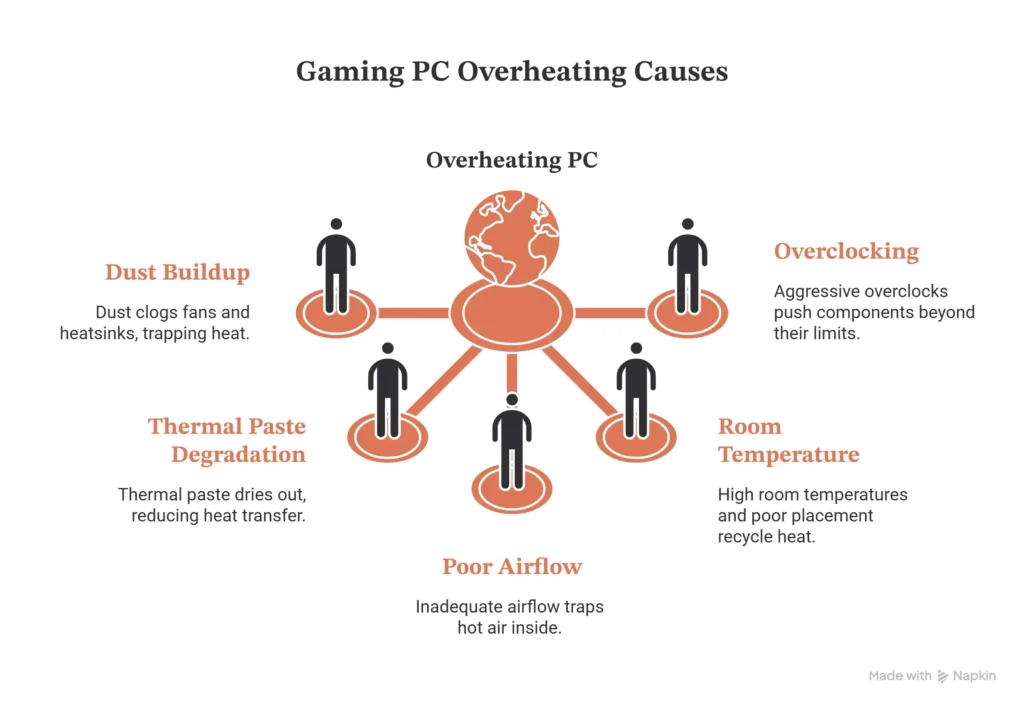
Las Vegas’s dusty environment clogs fans and heatsinks faster than humid climates within months. Dust is an insulator, a layer on a heatsink traps heat the same way a blanket traps body heat. The combination of hot ambient air and dust buildup makes your gaming PC overheat.
Dust Clogged Fans & Heatsinks
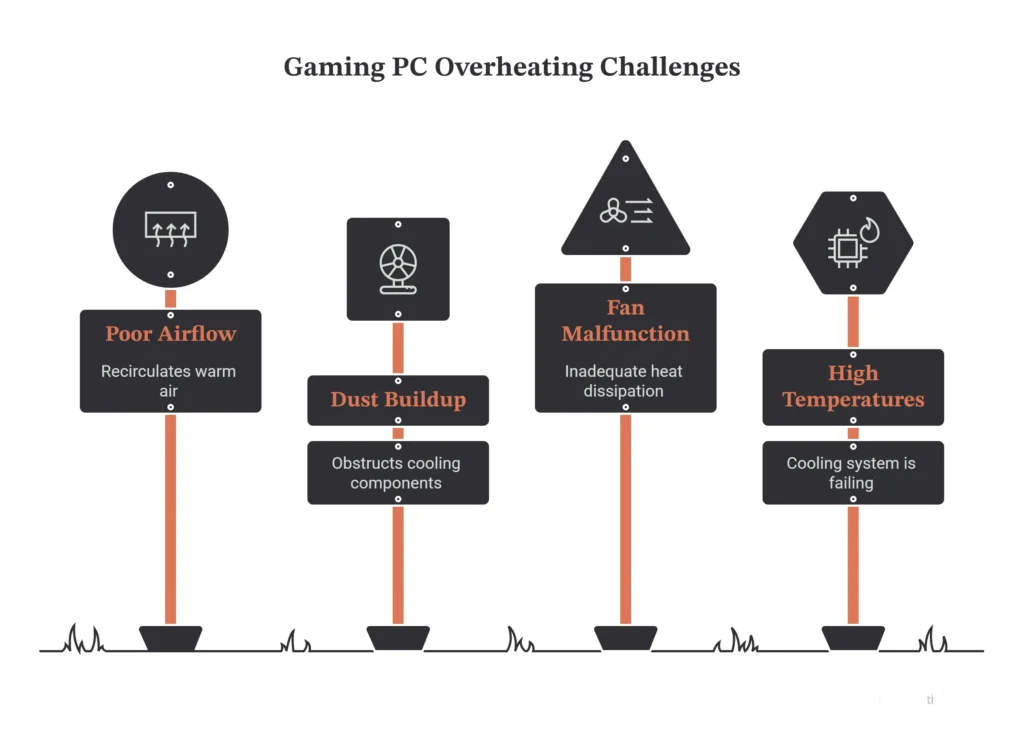
Dust buildup on fans, heatsinks, and case filters chokes airflow and traps heat against the components that produce it most. Insulating dust can clog fans and vents, raising internal temperatures by up to 15°C (27°F). A technician always checks your dusty interior during a routine PC cleaning & maintenance visit.
Dried Out/Failing Thermal Paste
The thermal paste sandwiched between a CPU or GPU die and its cooler is what transfers heat from the chip into the metal heatsink. That paste dries out and loses conductivity over two to four years.
Poor Case Airflow/Cable Mess
Effective cooling requires a clear intake-to-exhaust path through the case. Too few fans, fans installed facing the wrong direction, or a tangle of power cables blocking airflow traps hot air inside. The GPU and CPU keep producing heat, and that heat has nowhere to go. Maintain a proper airflow and adjust your fans to drop the temp spikes.
Room Temperature and PC Placement
A PC shoved into an enclosed desk cabinet, pushed flush against a wall, or sitting in direct afternoon sunlight, recycles its own exhaust heat. The intake pulls in warm air that the exhaust just pushed out, and temperatures climb even in a system that’s otherwise clean and well configured.
Overclocking or Heavy Load
Aggressive overclocks and demanding AAA titles push CPUs and GPUs harder and hotter than stock workloads. Settings that passed stability testing in December can cross the edge in July once surrounding temperatures add a few extra degrees to the baseline.
How to Cool Down Your Gaming PC?
To cool down your PC, cool the room first. Run the air conditioning before and during gaming sessions. Close blinds against direct sun, especially on west-facing windows in the afternoon. If possible game during the cooler parts of the day. Dropping the room temp by 10 degrees can fix unnecessary system overheating.
Cooling pads area life saver for laptops. These pads elevate the back of the laptop to improve airflow. Ultimately, they lower temperatures by 10–20°F. |
Move the PC for Better Airflow
Pull the case a few inches away from the walls on all sides. Remove it from any closed desk cabinet, and make sure both intake and exhaust vents have clear space around them. The PC needs a path to pull in cool air and push out warm air without recirculating. This takes two minutes and costs nothing.
Clean Out the Dust
Power the system down completely, unplug it from the wall. Take it to a well-ventilated space, and use short bursts of compressed air to blow dust off fans, heatsink fins, and case filters. Hold fan blades still while blowing to avoid over spinning the bearings.
Check Your Fans Are Spinning Or Not
Watch the system during startup and under load to confirm all case fans and the CPU cooler fan are spinning normally. If a fan is seized or spinning slowly, it needs replacement before the next gaming session.
Monitor Your Temperatures
Free tools like HWiNFO64 or MSI Afterburner let you watch CPU and GPU temperatures in real time while gaming. Load the game, let it run for 10 minutes, and check the peaks. If you’re seeing CPU temps above 90°C or GPU temps above 85°C under sustained load, the cooling system is not working.
Frequently Asked Questions About Gaming PC Overheating
Why does my gaming PC only crash in the summer?
Higher room temperatures mean your PC’s cooling system has no cool air to work with. When ambient heat climbs, components hit their safe temperature limits faster and trigger a protective shutdown. The same PC that’s perfectly stable in winter can overheat once the Las Vegas summer heat raises the indoor temperature by 10 to 15 degrees.
Is it bad if my PC keeps shutting off due to heat?
Yes. An occasional thermal shutdown protects the hardware, but repeated overheating shortens the lifespan of the CPU, GPU, and surrounding components. Every shutdown puts stress on the system, and sustained high temperatures accelerate wear.
How often should I clean the dust out of my gaming PC in Las Vegas?
Always clean your PC every three to six months in the dry, dusty desert air. Check sooner if temperatures are trending up or if the fans are louder than usual. Some Las Vegas gaming PCs in dusty environments need a cleaning every two to three months.
Does replacing thermal paste really help with overheating?
Yes, especially on systems more than two or three years old. Thermal paste dries out and loses the ability to move heat efficiently from the CPU or GPU die into the heatsink. Fresh paste can drop peak temperatures by 10 to 20 degrees Celsius on older systems.
Can the Las Vegas heat permanently damage my gaming PC?
Sustained high temperatures and repeated thermal shutdowns accelerate wear on capacitors, solder joints, and silicon inside the CPU and GPU.
What temperature is too hot for a gaming PC?
CPU temperatures above 90°C under sustained gaming load and GPU temperatures above 85°C are warning signs that the cooling system is not keeping up. Many components have hard throttle and shutdown points between 95°C and 105°C. Free tools like HWiNFO64 or GPU-Z let you monitor these numbers during a gaming session.
Get Your Overheating Gaming PC Fixed in Las Vegas
Professional PC fixing shops start their diagnostics with a full inspection. They check your system temperature under load, and check the thermal paste, fans, and cooler before recommending any service.
As a local Las Vegas Gaming PC repair shop, QuickLaptopRepairs knows what desert heat and dust do to gaming PCs across a season. Our repair turnaround is fast, so you’re not without your system for long. A diagnostic first approach means no work begins without your approval and no surprise service costs once the repair is done.
One Response